
Wake & Unlock
Wake your PC and unlock Windows from your phone.
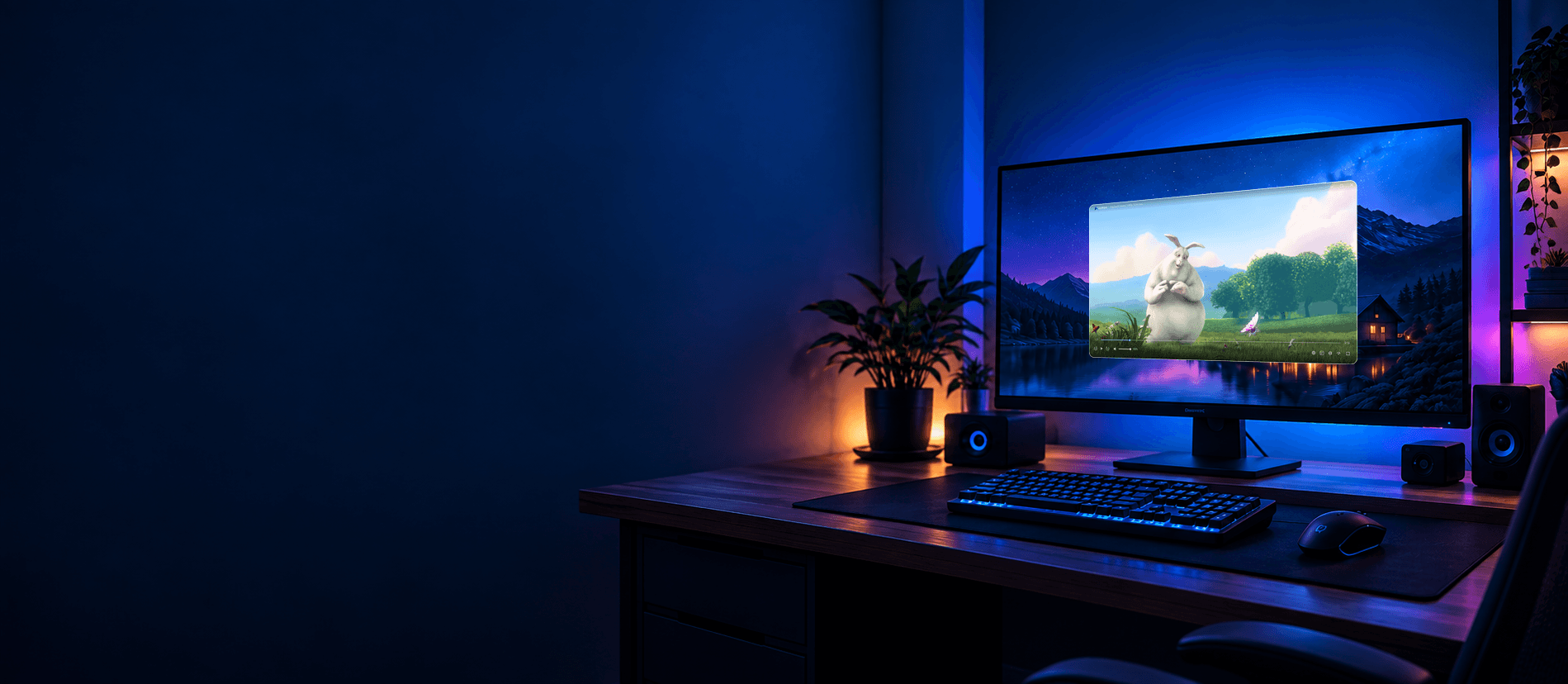
MOVE WINDOWS. NOT YOURSELF.
Turn it on. Unlock it. Open apps. Move windows. Play on your TV. Transfer files.
Without leaving the couch.
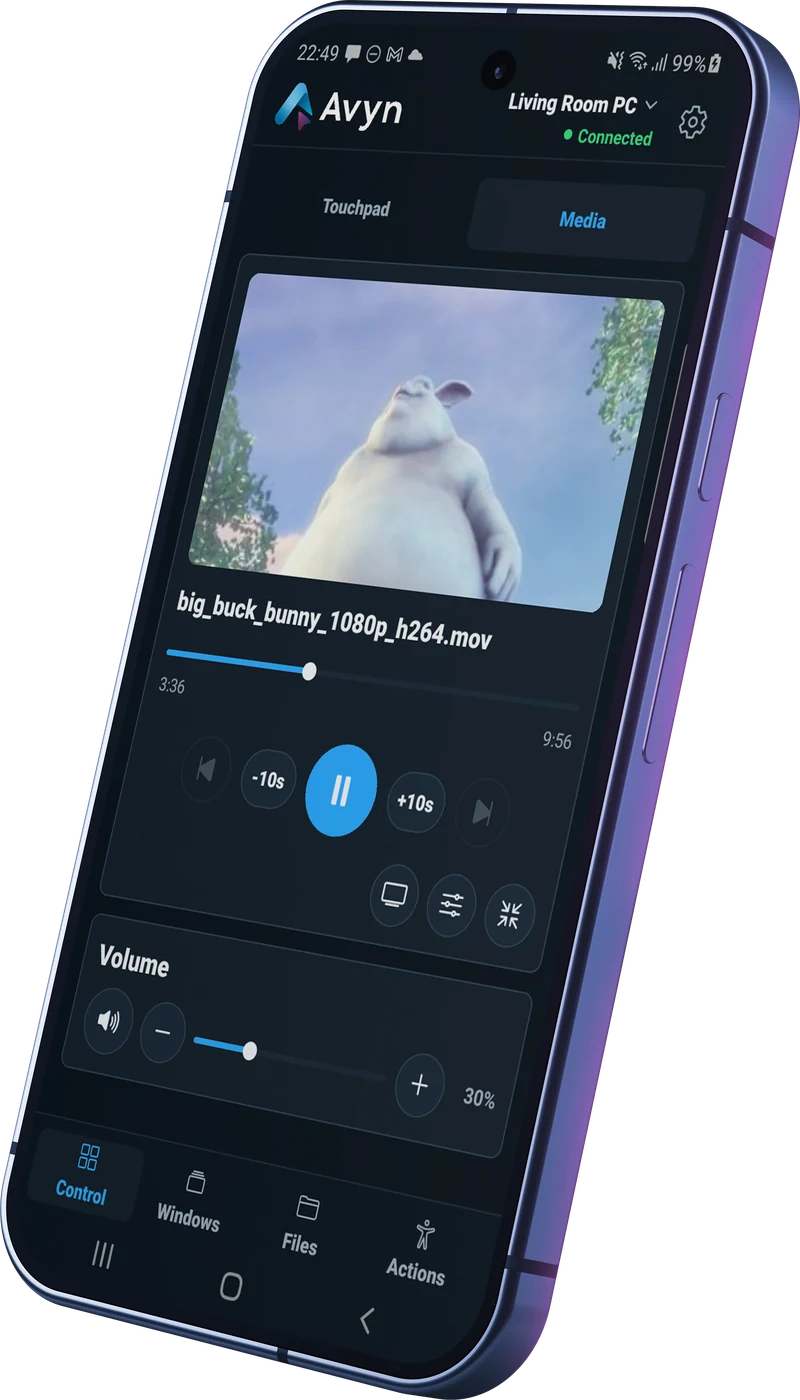
Wake your PC and unlock Windows from your phone.
Your favorite applications, ready with a tap.
Organize your windows and send them to the right screen.
Move a window to your TV and enjoy it in fullscreen.
Browse, upload and download files between your devices.
STAY COMFORTABLE
The little things that interrupt a good moment.
Mouse, keyboard and media controls. Your PC, within reach.
Find open windows. Move, minimize or maximize them.
Send Auren or a window to your TV. Avyn coordinates the steps for your setup.
Real Avyn screenshots in demo mode.
ONE INTENTION. EVERYTHING IN PLACE.
One intention. Several actions coordinated by Avyn.
Ask to play on your TV and Avyn organizes the steps that are available.
Available actions depend on your TV, displays and setup.
Your PC handles the steps. You keep the couch.
01 / CONTROL
Touchpad and keyboard when you need them. Direct actions for the things you do every day.
02 / MOVE
Send a file from your phone. Share straight from Android. Keep your devices working together.
03 / POWER
Wake your PC, lock it, or call it a night. Bring your displays into the same routine.
TWO DEVICES. ONE SIMPLE CONNECTION.
The PC is the remote device. Your phone is its interface.
Actions, not screen streaming.
Avyn on Android. The Avyn Agent on your Windows PC.
Explicitly connect your phone and PC. You choose which devices get access.
Your phone is the interface. Your PC does the work.
YOUR DEVICES. YOUR CONNECTION.
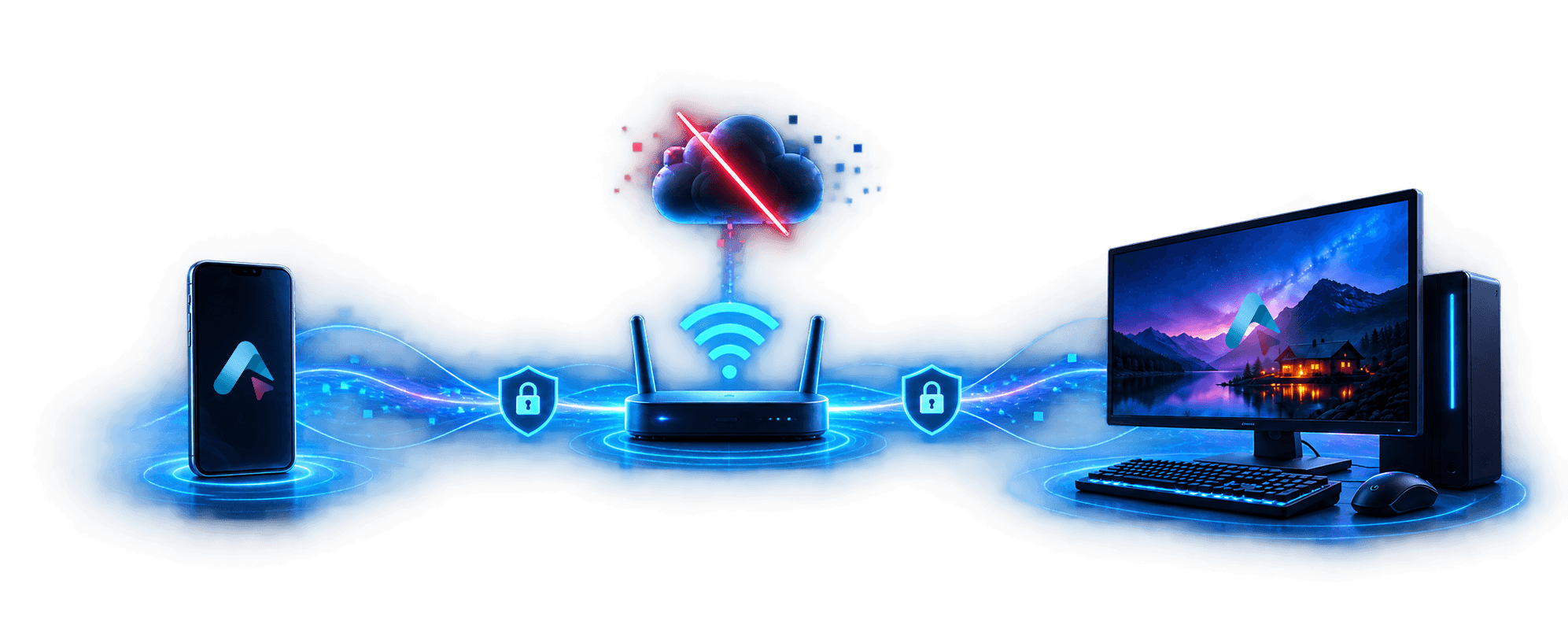
No Avyn cloud
Just your devices
Stays on your network
Only your devices
Your phone talks directly to your PC over your local network. No Avyn account. No Avyn cloud required for everyday control.
Explore securitySee what to inspect, what to test, and what still needs documenting.

GO A LITTLE DEEPER
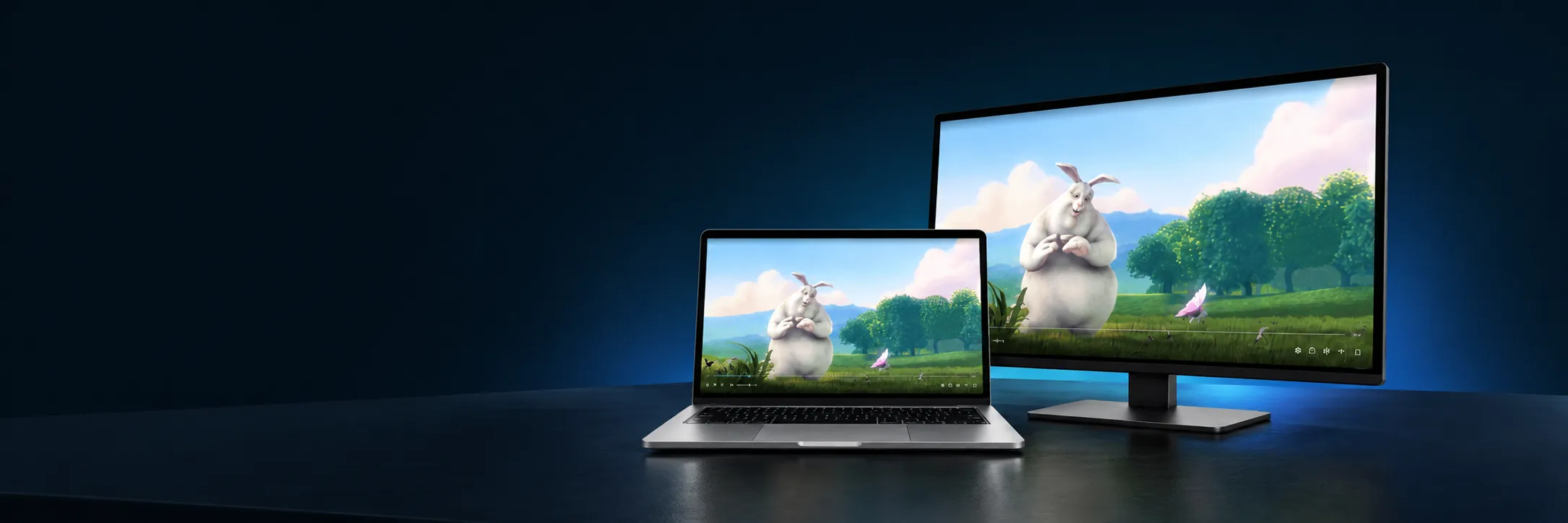
Control subtitles, audio tracks and timing from your phone. Without leaving the couch.
Auren Player is free.
Its full Avyn integration is free, too.
USEFUL FROM THE START
Control your PC from Android, securely and without relying on the cloud.
Later, Avyn may offer advanced features through a one-time purchase. Features and terms are still being defined.
MAKE YOURSELF COMFORTABLE
Avyn for Android + Avyn Agent for Windows